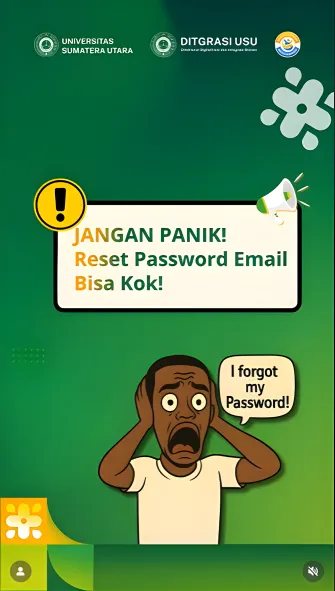
Don't Panic! USU Offers Two Easy Solutions to Reset Campus Email Passwords
To maintain security, users are also reminded to routinely update their passwords and keep their alternative emails secure.
News
Losing access to a campus email account is no longer a big problem. The Directorate of Digitalization and System Integration (Ditgrasi) at Universitas Sumatera Utara (USU) provides two easy and fast ways for the academic community (sivitas akademika) to reset their email passwords. This step is taken to ensure the email access process remains secure, managed, and can be recovered quickly.Ditgrasi advises users not to panic when they forget their passwords, as there are two methods that can be used:Method 1: Self-Reset via Email Account This method is the fastest and easiest way for users who still have access to an alternative or active email. The steps include:
- Open the USU email site.
- Click the "Forgot Password" button.
- Enter your NIM/NIP or the active alternative email.
- Check your email inbox and click the reset link sent to create a new password.
Method 2: Request Reset via Helpdesk If users experience difficulties or the alternative email cannot be accessed, they can submit a password reset request through the helpdesk service at tiket.usu.ac.id.Ditgrasi reminds users that once the reset is successful, they can immediately log back into their USU email.
To maintain security, users are also reminded to routinely update their passwords and keep their alternative emails secure. This aligns with USU's cybersecurity guidelines, which require password updates every three months and the use of strong combinations of letters, numbers, and symbols.